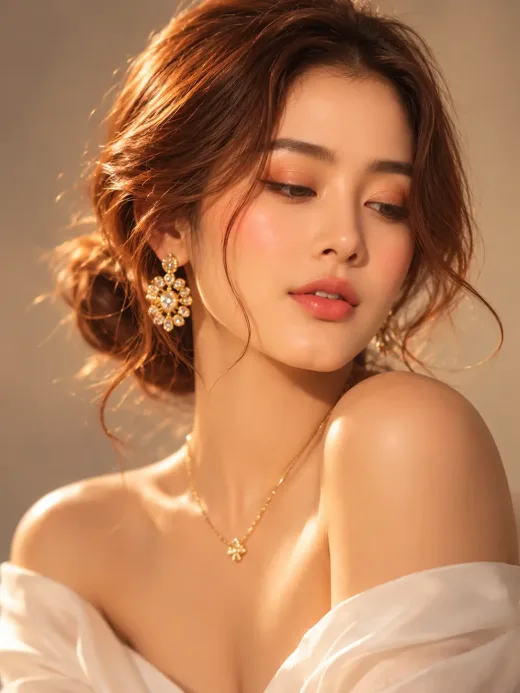
 Открыть промпт AI PortraitsChatGPT
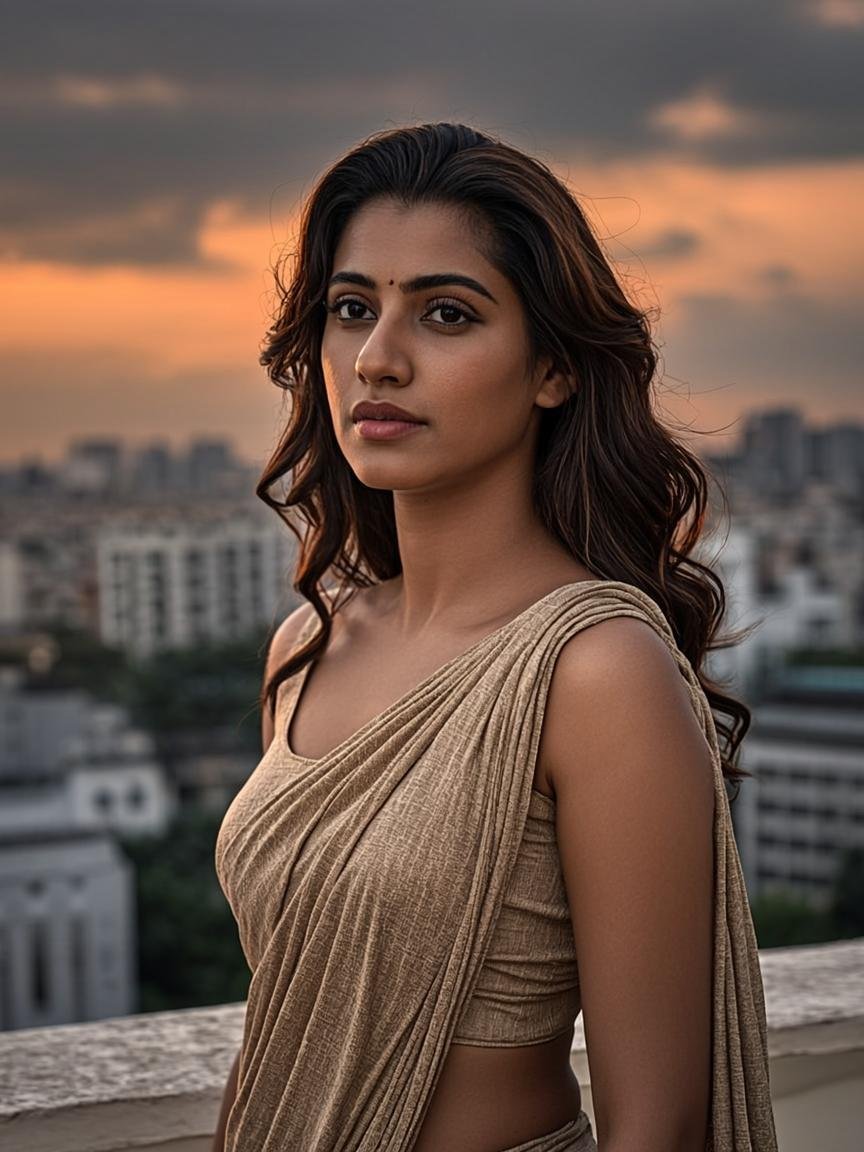
Dreamy Golden Hour Glamour Portrait of a Woman – AI Photography Prompt
0 копированийИзбранное

White Lion AI Photo Editing Prompt with Royal Palace Background
Transform your ordinary photo into a stunning royal portrait with a majestic white lion! Create an ultra-realistic cinematic AI photoshoot featuring a luxurious palace background, royal lion styling, golden accessories and professional DSLR effects while preserving your original face and outfit.
Промпт для ИИ-изображений
Нажмите «Скопировать промпт», чтобы скопировать полный текст промпта в буфер обмена.
Небольшие вариации одной идеи — копируйте любую версию.
Golden Royal Version
Create a cinematic royal portrait using my uploaded photo as the identity and outfit reference. Place a majestic white lion in a luxurious ivory suit with golden accessories beside me at a grand golden palace entrance. …
Dark Luxury Version
Transform my uploaded photograph into a dramatic cinematic portrait beside a giant white lion wearing a premium black royal suit, gold chain and black sunglasses. Place us outside a luxurious palace with dark marble arc…
Instagram Portrait Version
Create a vertical 4:5 ultra-realistic Instagram portrait using my original photograph. Show me standing confidently beside a majestic white lion with one paw on my shoulder. Add an elegant white suit, golden accessories…
Female Royal Version
Create a luxurious cinematic portrait of a woman using her uploaded photograph as the strict face and outfit reference. Place a majestic white lion wearing an elegant royal suit beside her with one paw resting naturally…
Golden Hour Version
Create a photorealistic royal photoshoot featuring me and a majestic white lion in front of an elegant palace during warm golden hour. Add natural sunlight, realistic shadows, detailed lion fur and premium cinematic col…
Create a stunning, ultra-realistic royal portrait featuring yourself alongside a majestic white lion dressed like a wealthy royal personality. This AI photo editing prompt transforms an ordinary personal photograph into a luxurious cinematic photoshoot without losing the original appearance of the person.
The main idea is to place you confidently beside a giant white lion wearing a premium white formal suit, stylish black sunglasses, a heavy golden chain, a luxury wristwatch and a golden pocket square. The lion becomes your royal companion, with one front paw naturally resting on your shoulder.
The final image combines luxury fashion photography, fantasy elements and realistic DSLR portrait aesthetics. It is designed to look like a professionally photographed scene rather than an artificial AI-generated composition.
The final portrait features two main subjects standing together in front of an elegant royal palace entrance.
Unlike ordinary AI portraits, this concept combines a realistic human photograph with an imaginative royal animal character. The contrast between the elegant white lion, golden accessories and luxurious palace background creates a powerful visual effect.
The 85mm DSLR-inspired photography style, shallow depth of field and cinematic colour grading help produce a premium Instagram-worthy result.
Perfect for Instagram creators, AI photography enthusiasts, boys and men who love royal-style portraits, and social media users looking for unique AI photo edits. Ideal for profile pictures, Instagram posts, reels covers and cinematic fantasy portraits.
The visual appeal of this portrait comes from the combination of cinematic photography, luxurious styling and realistic fantasy elements.
The 85mm DSLR-inspired lens perspective creates natural-looking proportions and an attractive portrait composition. A shallow depth of field separates the subjects from the palace background, while soft golden lighting adds warmth and depth.
The white lion's thick cream-coloured mane creates a striking contrast against its premium white suit. Golden accessories introduce subtle luxury details without distracting from the main subjects.
The cream marble architecture, decorative palace elements and greenery provide a sophisticated royal atmosphere. Realistic shadows, detailed fur textures and natural skin tones help connect the human subject and the lion into one believable photographic scene.
Most importantly, reference-image guidance helps maintain the original person's appearance and clothing instead of creating an entirely different character.
Yes, you can copy and use this prompt in compatible AI image-generation and editing tools. Individual tools may have their own usage limits or subscription requirements.
Yes. Upload your photograph as a reference image so the AI tool can use your original appearance while creating the royal lion portrait.
The prompt instructs the AI to preserve your facial identity, but exact face preservation cannot be guaranteed. Results depend on the image-editing model and its reference-image capabilities.
The prompt specifically requests that your original outfit, colours, pattern and fit remain unchanged. However, always inspect the generated result because some AI tools may modify clothing details.
Use an AI image editor that supports reference photographs and identity preservation. Image-editing capabilities vary between different AI tools.
Yes. The vertical 4:5 composition is suitable for Instagram portrait posts, creative profile pictures and social media content.
Yes. You can modify the prompt to give the lion a black, golden, cream or other coloured royal suit.
This can happen when an AI tool does not strongly follow the uploaded reference photograph. Try a clearer image and a model with stronger image-reference capabilities.
Открыть промпт AI PortraitsChatGPT0 копированийИзбранное
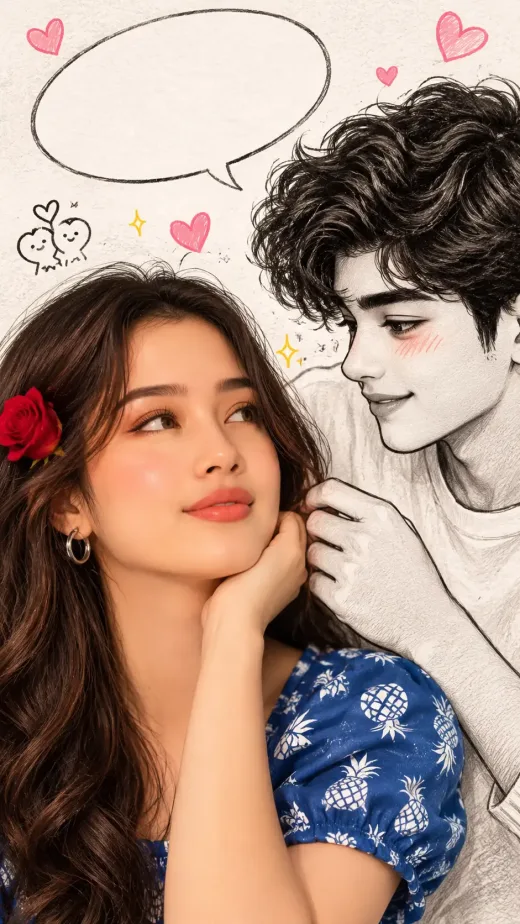 Открыть промпт AI PortraitsChatGPT
0 копирований
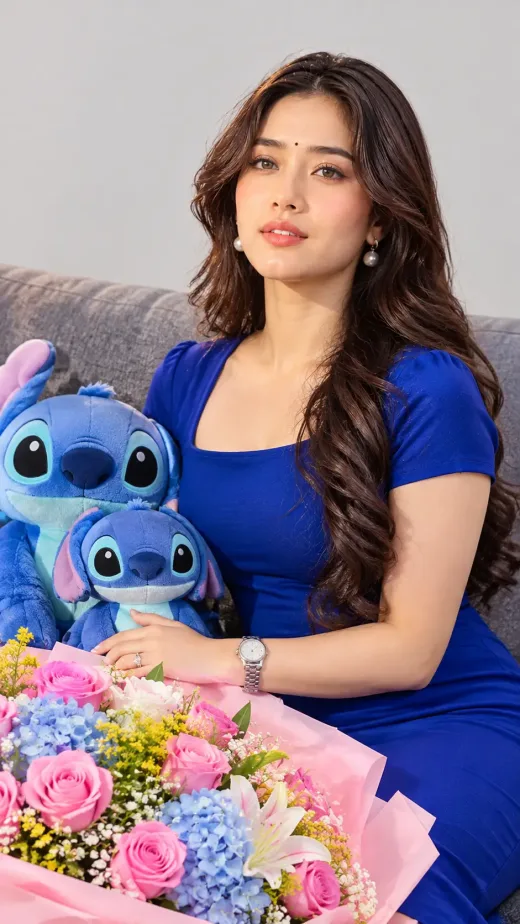 Открыть промпт AI PortraitsChatGPT
0 копированийИзбранное
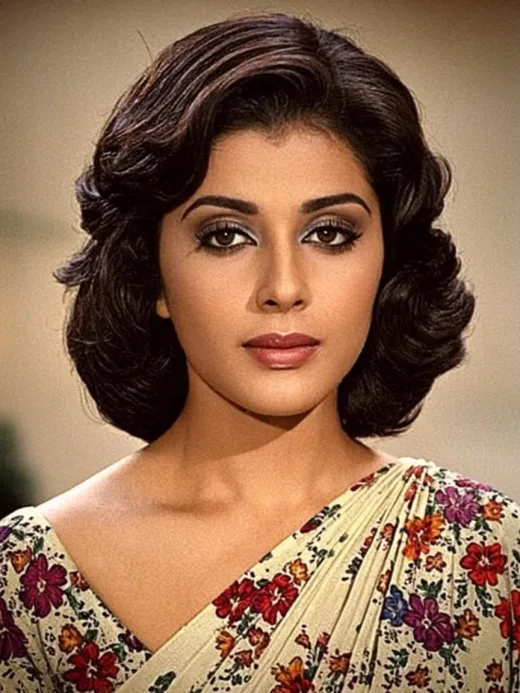 Открыть промпт AI PortraitsMidjourney
1023 копирований
Гайды и советы
Guides
12 Nov 2026 · 1 мин чтения
Tool Comparisons
7 Nov 2026 · 1 мин чтения

Tutorials
1 Nov 2026 · 1 мин чтения