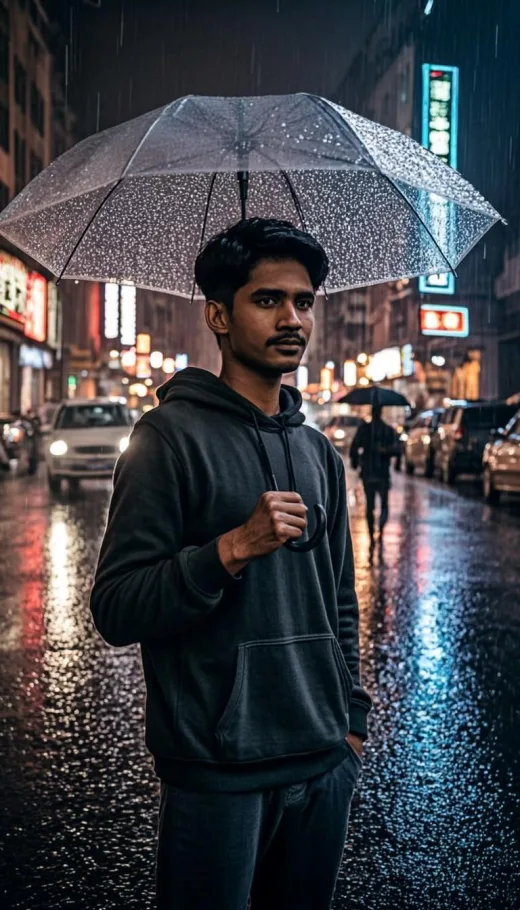
 View Prompt Cinematic PhotosMidjourney
Moody Rainy Street Portrait at Night
706 copies
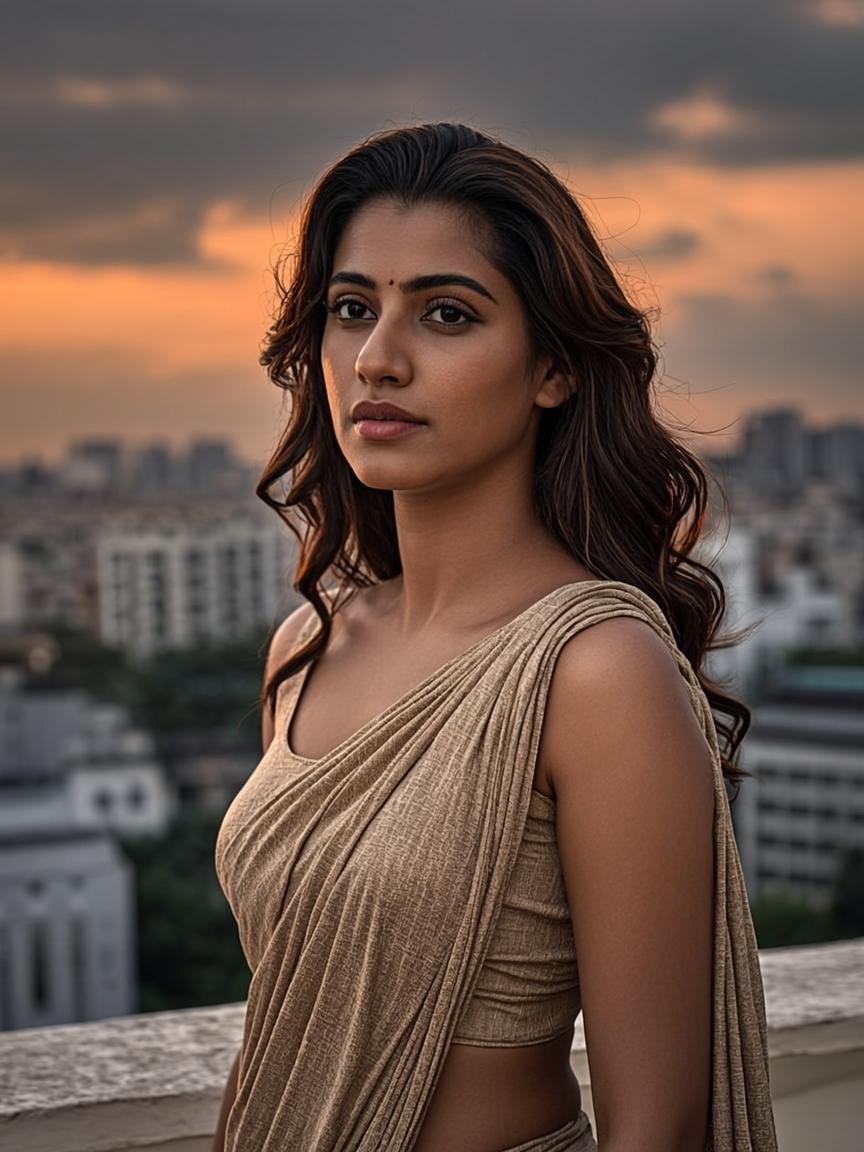
Cinematic portrait of a young Indian woman on a rooftop at golden hour
A warm, film-still portrait that blends teal-orange grading with golden-hour rim light. Perfect for profile pictures with a dramatic, movie-poster feel.
AI Image Prompt
Click “Copy Prompt” to copy the complete prompt text to your clipboard.
Works best in Midjourney v6+. Keep the --ar 4:5 aspect ratio for social media, or change it to --ar 16:9 for a wide wallpaper. For a male version, simply swap the subject description.
Small edits of the same idea — copy any version you like.
Male version
Cinematic portrait of a young Indian man standing on a Mumbai rooftop terrace at golden hour, warm rim light on his hair, teal and orange color grading, shallow depth of field, 85mm portrait lens, subtle film grain, ope…
Goa beach sunset version
Cinematic portrait of a young Indian woman on a Goa beach at sunset, golden rim light, teal and orange color grading, waves in soft bokeh behind her, flowing dress, 85mm lens, film grain, photorealistic --ar 4:5
Rainy window version
Cinematic portrait of a young Indian woman sitting by a rain-covered window at golden hour, warm reflections on glass, teal and orange grading, soft film grain, thoughtful expression, 85mm lens --ar 4:5
This prompt produces a warm, film-still portrait of a young woman standing on a rooftop terrace during golden hour — the short window just before sunset when sunlight turns soft, golden and flattering. The image feels like a frame pulled straight out of a coming-of-age film: confident, calm and quietly cinematic.
The scene is set on a Mumbai rooftop, which brings its own character — water tanks, distant skyline haze and the texture of a real Indian city at dusk. The wind-blown dupatta adds motion so the portrait never feels stiff, while the teal-and-orange colour grading gives it that big-budget movie look.
Expect warm rim light tracing the hair and shoulders, gently blurred background bokeh from the 85mm portrait lens look, and subtle film grain that softens digital sharpness. The subject's expression reads confident but relaxed — the kind of portrait that works as a profile picture without looking corporate.
Small edits change the whole mood: swap 'Mumbai rooftop' for 'Goa beach', keep everything else, and you have a seaside version in seconds.
Perfect for young creators who want a cinematic profile picture, couples who want a movie-style portrait together, and photographers building golden-hour moodboards. Works beautifully for both women and men with a small subject swap.
The magic is in the lighting contrast: warm golden rim light on one side, cool shadow tones on the other. That warm-cool split is the backbone of every cinematic colour grade, and pairing it with an 85mm lens look keeps the subject sharp while the city melts into soft bokeh.
Yes — copy it, edit it and use it in any AI image tool for personal or commercial projects.
Midjourney v6 or newer handles the cinematic lighting and colour grading best. Leonardo AI and Flux also produce great versions.
For face-accurate results use a tool that supports image references (like Midjourney's character reference or a LoRA) and attach a clear, front-facing photo.
AI generations are never identical — lighting mood stays similar but details like pose and background change every run. Generate a few times and pick your favourite.
Guides & tips
Guides
12 Nov 2026 · 1 min read
Tool Comparisons
7 Nov 2026 · 1 min read

Tutorials
1 Nov 2026 · 1 min read